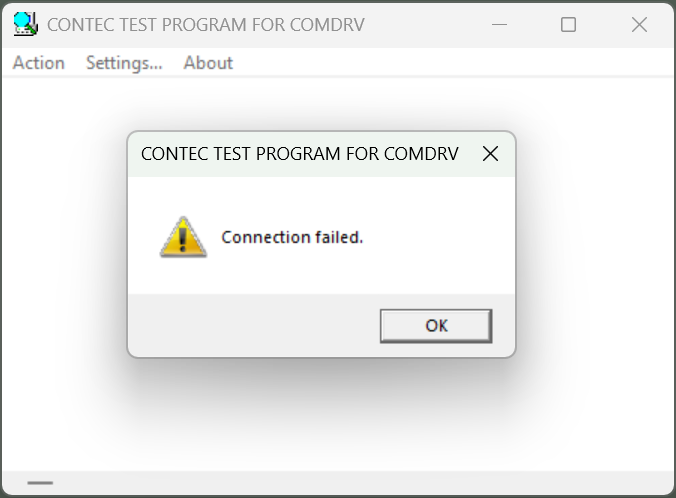
When COM port number is not correctly specified in TEST PROGRAM FOR COMDRV utility, this message will be displayed.
Please make sure that your COM port added under the Ports (COM &
LPT) section in Device Manager is specified.
For more details, please refer to "Confirm
and Change COM Port"
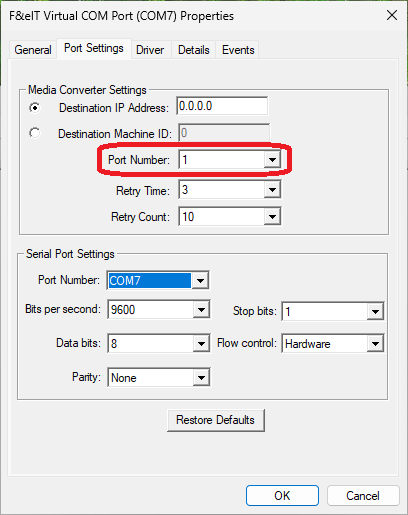
In particular, when using CPSN-COM-1PD2, specify
the "Virtual COM Port Number" for the "Port Number (N)"
in the properties.
If you mistakenly specify the "Port Number on the CPU Unit side"
and run TEST PROGRAM FOR COMDRV
utility, this error may occur.
For details, please refer to the list of "Settings in the Port Settings tab" in the topic "Confirm and Change COM Port (CONPROSYS nano)"