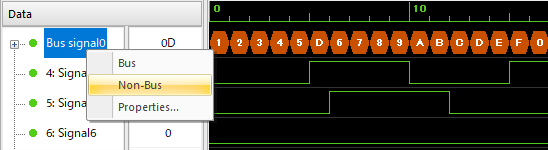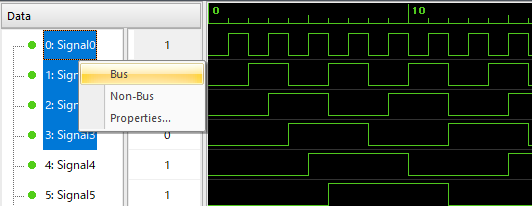
By making a set of signals a bus, the set of signals can be displayed as a signal for each group.
To make a bus,
1. Select each channel to be busted (Ctrl key + right mouse click).
2. Select Bus from the right-click menu.
(Up to 8 signals can be included in one bus.)
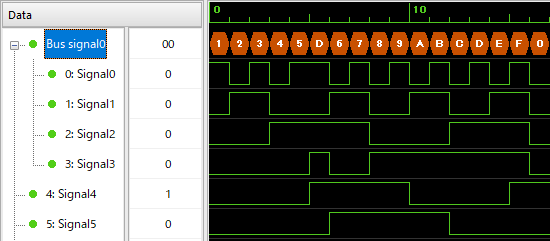
When you make a bus, the bus signal name is displayed on the root node.
When you open the node, you will see each channel that makes up the group.
・The graph corresponding to the bus-ized root node is in hexadecimal notation.
・Graphs corresponding to child nodes and non-bused channels are in binary notation.
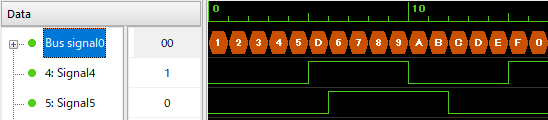
Click the "-" to the left of the bus signal name to hide the child nodes.
Right-click the bus signal name and click Non-Bus to debus.